Turn Your Slides into Podcasts
Upload your presentation slides and Jellypod transforms them into an engaging podcast episode. Speaker notes, bullet points, and key takeaways become natural conversation — no presenter required.
Trusted by world-class teams at


- 60K
- Global Creators
- 100K+
- Generated Podcasts
- 29
- Supported Languages
- 7 min
- Avg. Time to First Episode
Hear The Quality
Listen to an AI-Generated Podcast
Don't just take our word for it—hear the quality yourself. This podcast was generated entirely by AI using Jellypod, with ultra-realistic voices and natural conversation flow.
AI Podcasting 101
100+ Voice Options
Preview Our AI Voices
Choose from 100+ ultrarealistic voices in 25+ languages. Clone your voice or design a custom one with a text prompt.
American Voice
Three simple steps
Upload Your Slides
Upload PowerPoint, PDF exports, or Google Slides. Jellypod reads slide content, speaker notes, and presentation structure.
Shape the Conversation
Review the generated script, emphasize key slides, and adjust how hosts present each topic. Add context the slides alone might miss.
Generate & Distribute
Create polished audio in minutes. Share as a standalone episode or pair it with your slide deck for a multimedia experience.
Everything you need
Speaker Notes Integration
Speaker notes are treated as context, giving the AI a deeper understanding of each slide to create richer, more detailed discussions.
Visual-to-Verbal Translation
Charts, diagrams, and key visuals are described naturally in conversation so listeners understand the content without seeing the slides.
Presentation Flow
The podcast follows your slide order, maintaining the narrative arc you designed while adding conversational transitions between sections.
Multi-Format Support
Upload PowerPoint (.pptx), PDF exports, or export from Google Slides and Keynote. All major presentation formats are supported.
Companion Audio
Create audio companions for conference talks, training sessions, or webinars. Attendees can revisit key points on the go.
Built for your workflow
Conference Talks
Turn your conference presentations into podcast episodes. Extend the reach of your talk beyond the room and give attendees a way to revisit it.
Training & Onboarding
Convert training slide decks into audio modules. New hires can listen during their commute instead of clicking through static slides.
Sales Enablement
Transform pitch decks and product overviews into audio briefs your sales team can review before meetings.
Customer Stories
Trusted by industry leaders
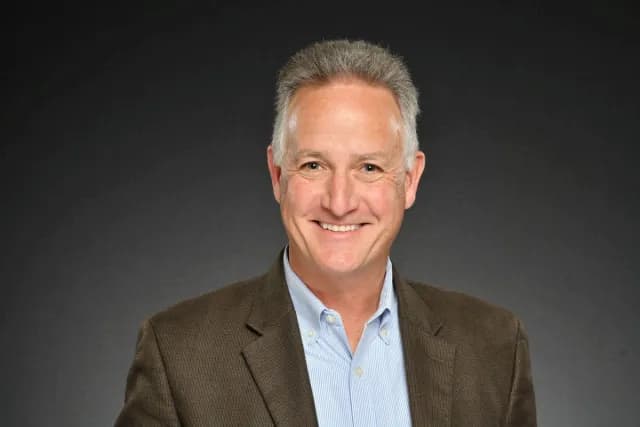
"It's not about replacing lectures. It's about reinforcing the arc of learning in the moments students actually have."
Steve DeNunzio
MBA Professor, The Ohio State University
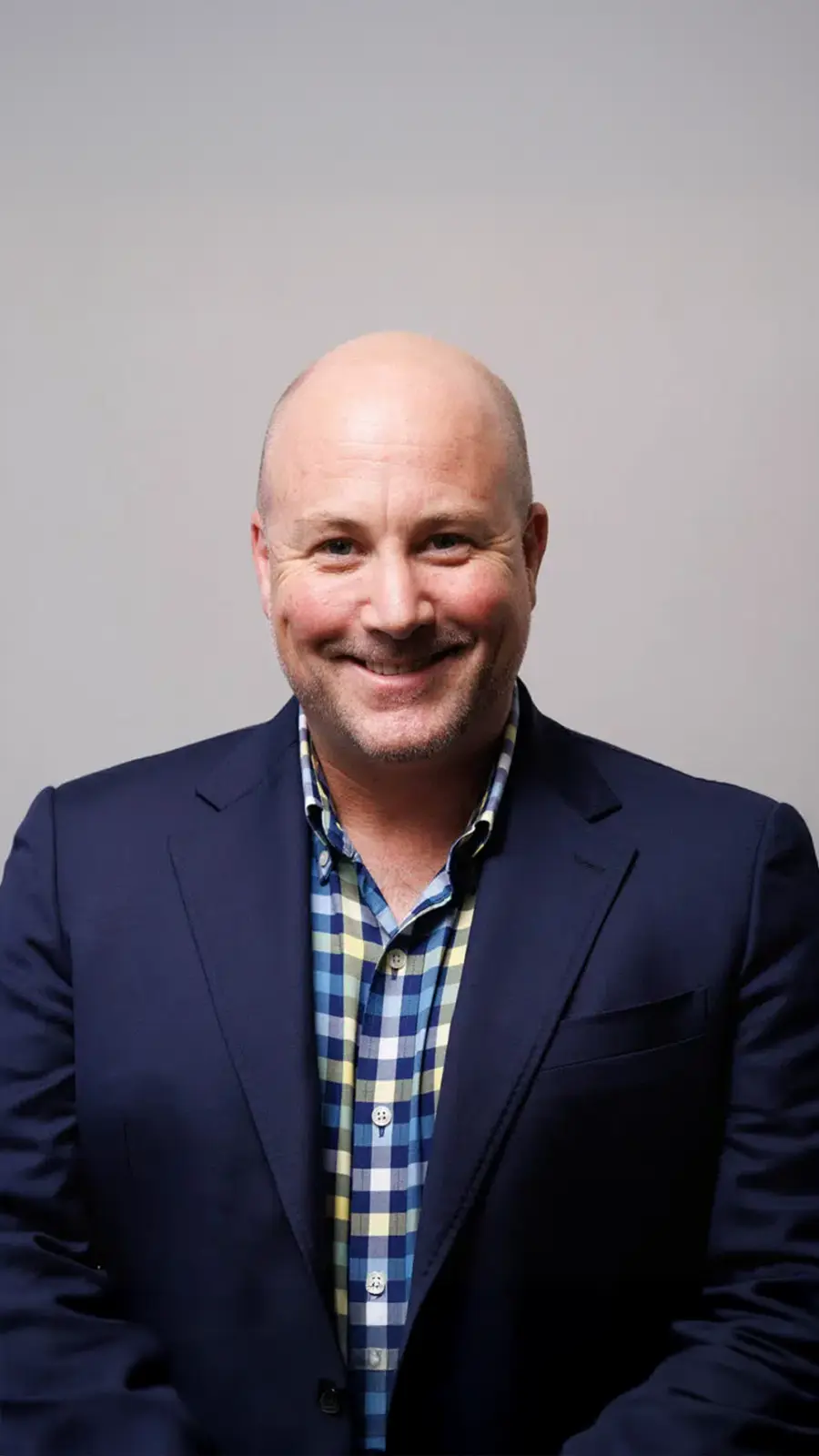
"It makes creating easier and gives me back more time. It's just brilliant."
Llew Jury
SEO Pioneer, VC, and Entrepreneur
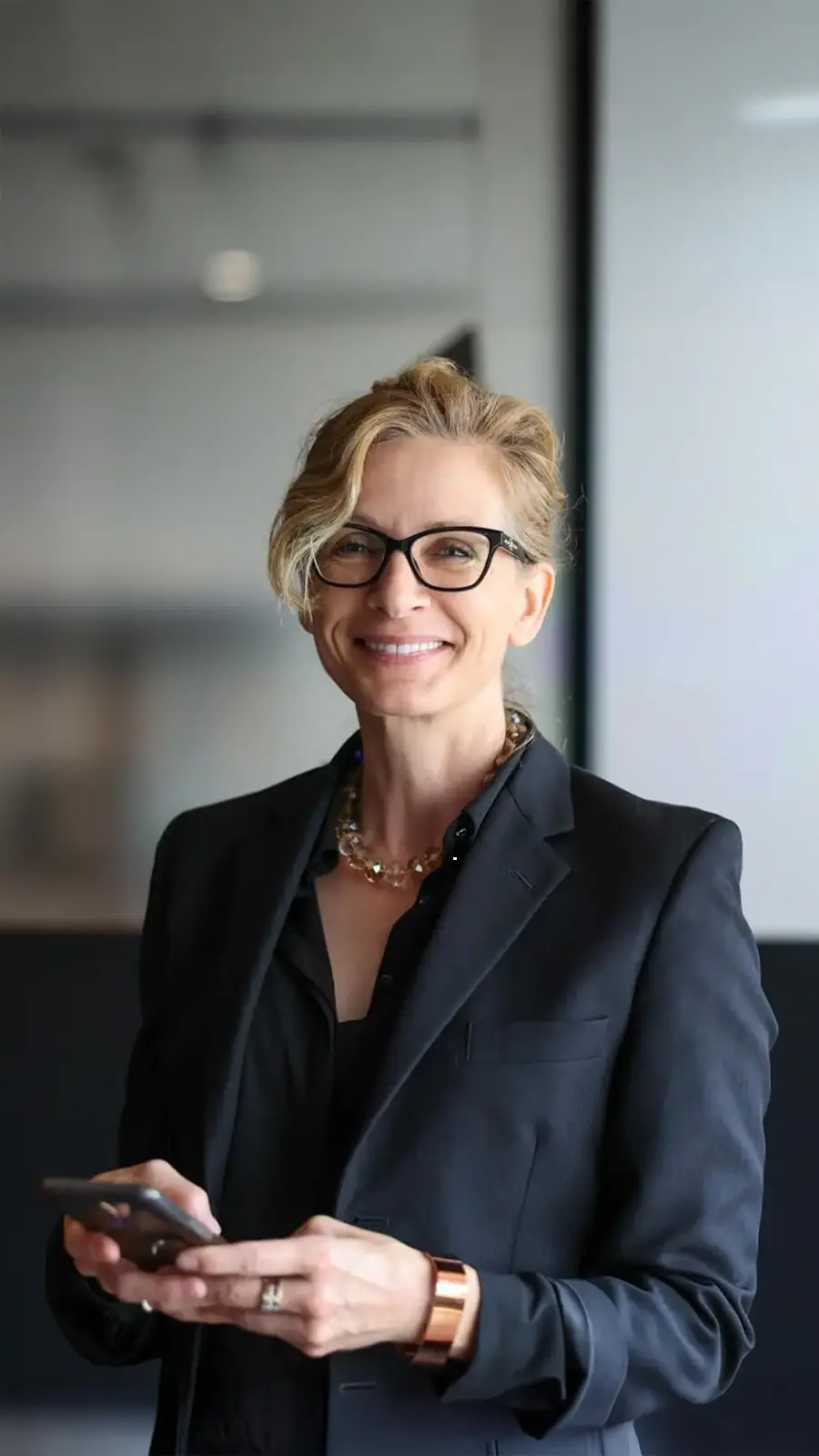
"You just dump in your information and structure your podcast. It was the easiest thing I've ever done."
Dr. Louise Lambert
Associate Professor, Psychologist
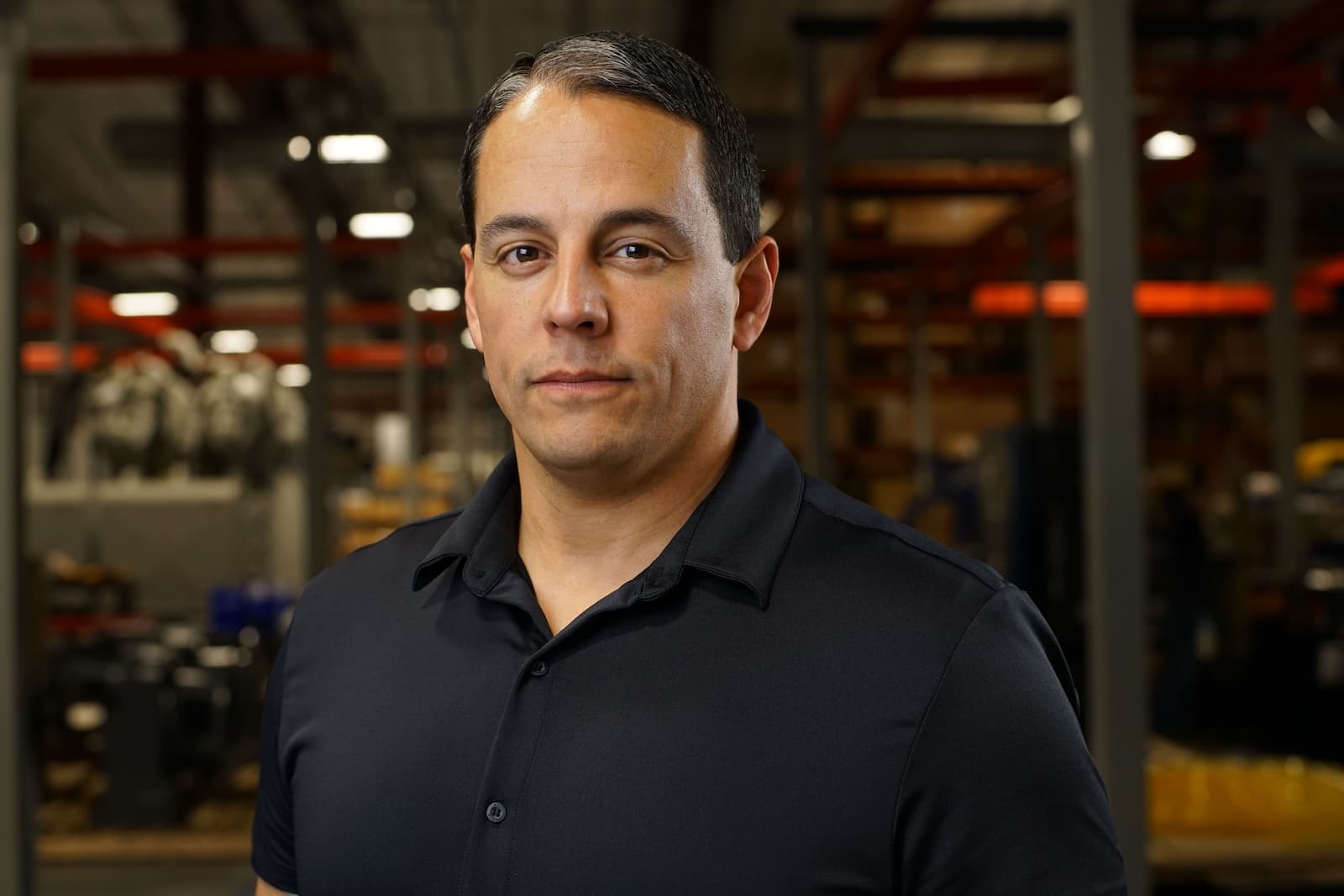
"The money is in producing fast, inexpensive content that can be transcribed and placed within blog posts to enhance findability and SEO."
Lance Baird
Marketing, Kaishan USA

"[My podcast] was downloaded so many times… people were hungry for information from a real psychiatrist."
Dr. Muhamad Aly Rifai
Physician, CEO of Blue Mountain Psychiatry
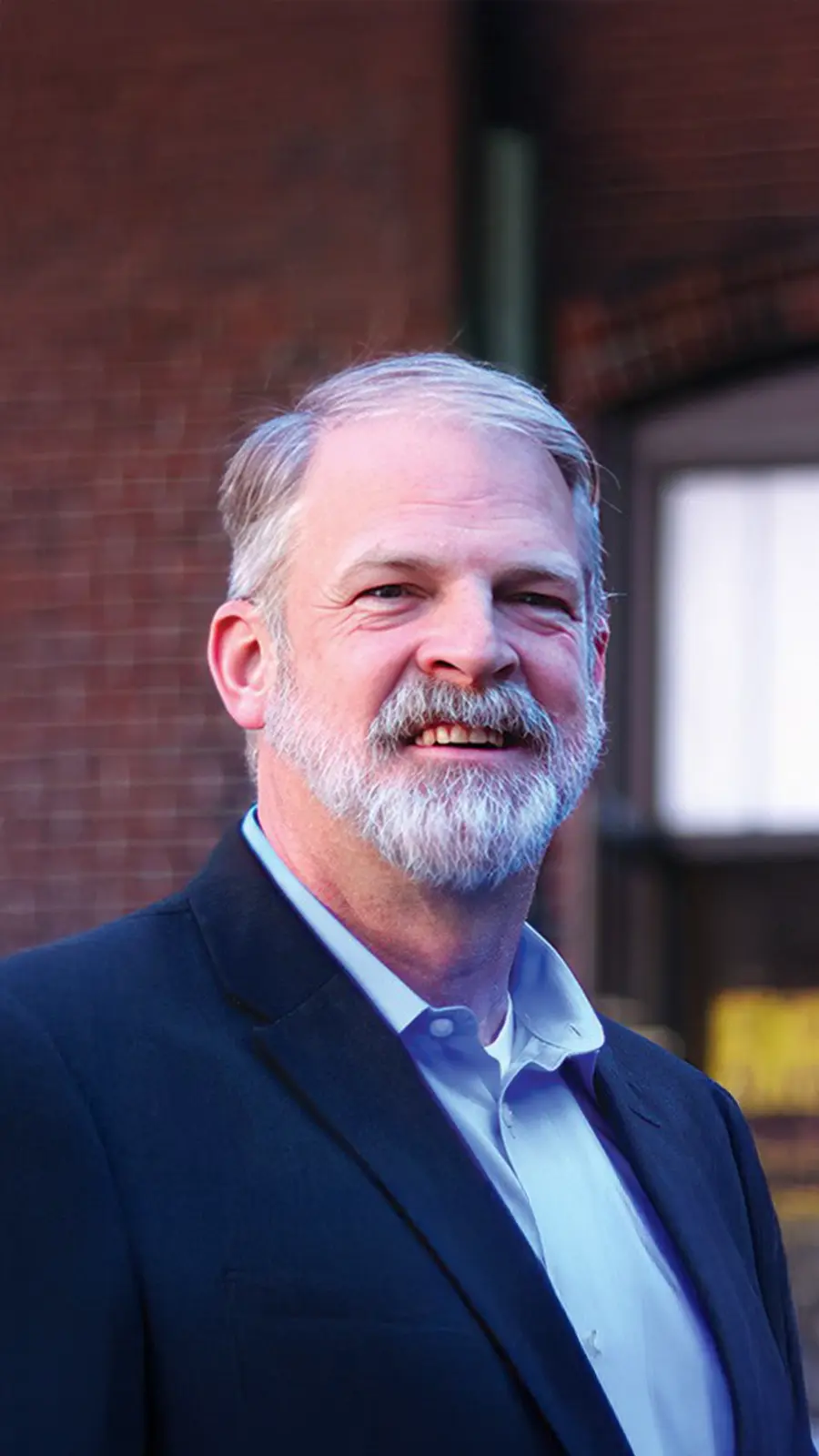
"Jellypod gave us the creative control we needed and the authenticity our artists deserved."
Steve Bradshaw
Executive Director, Covation Center
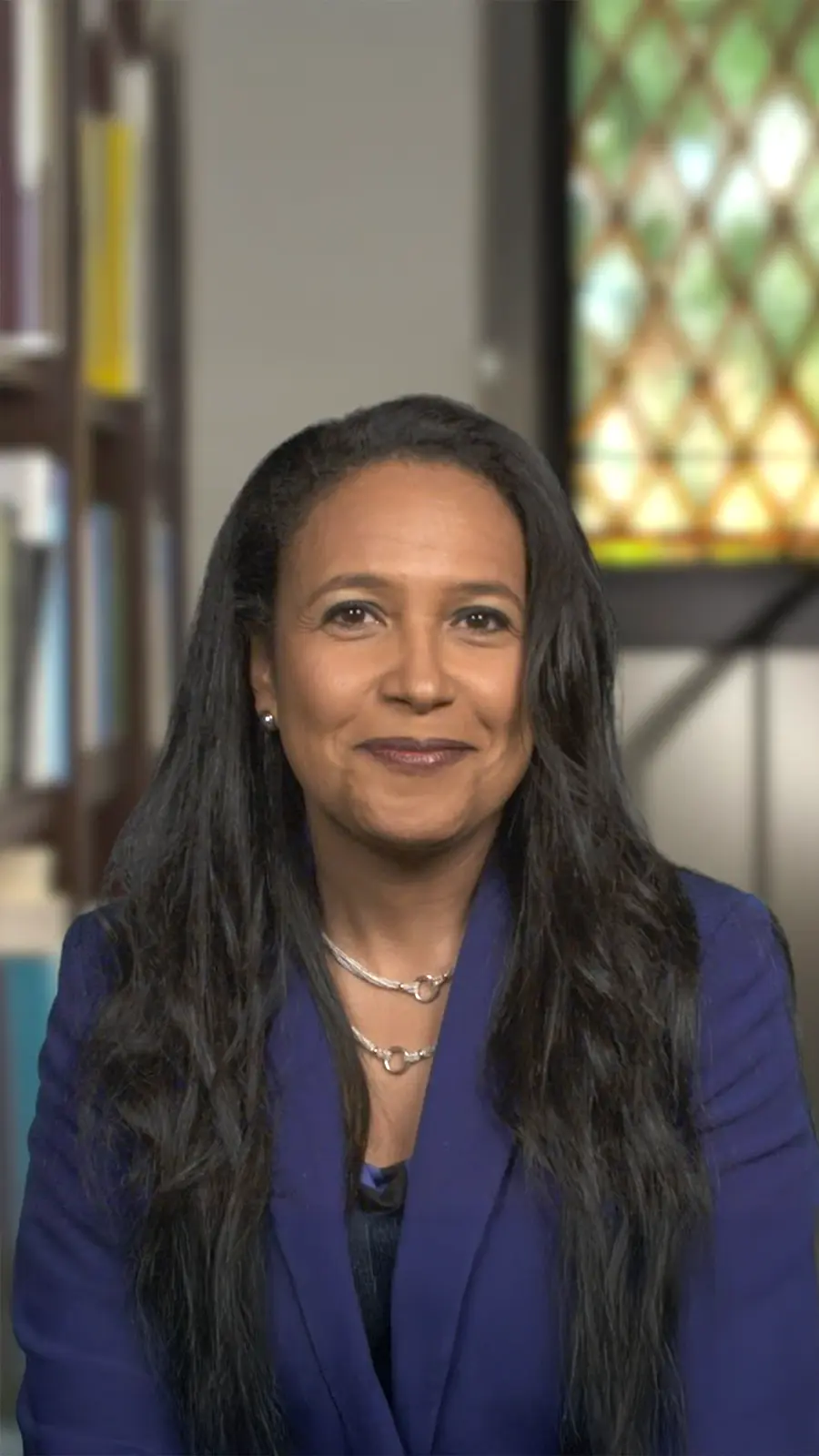
"It's a digital version of myself and a way to amplify [my voice] without having to hire another employee."
Boi Carpenter
VP Alumni Relations, Johns Hopkins University
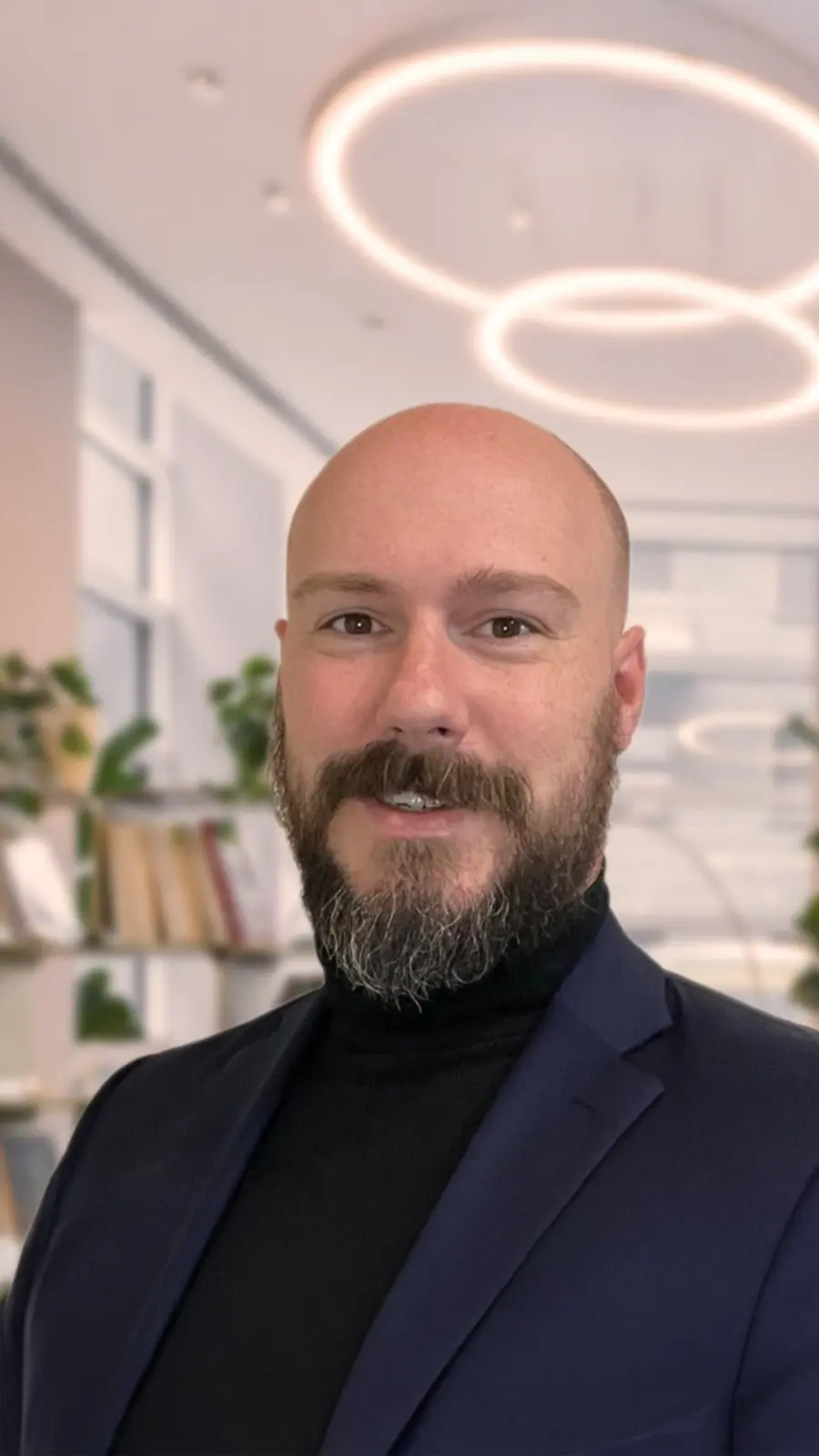
"Jellypod is the complete package to create a podcast for yourself or your company."
Kegan Rivers
SVP of Marketing, 3 Rivers Energy Partners
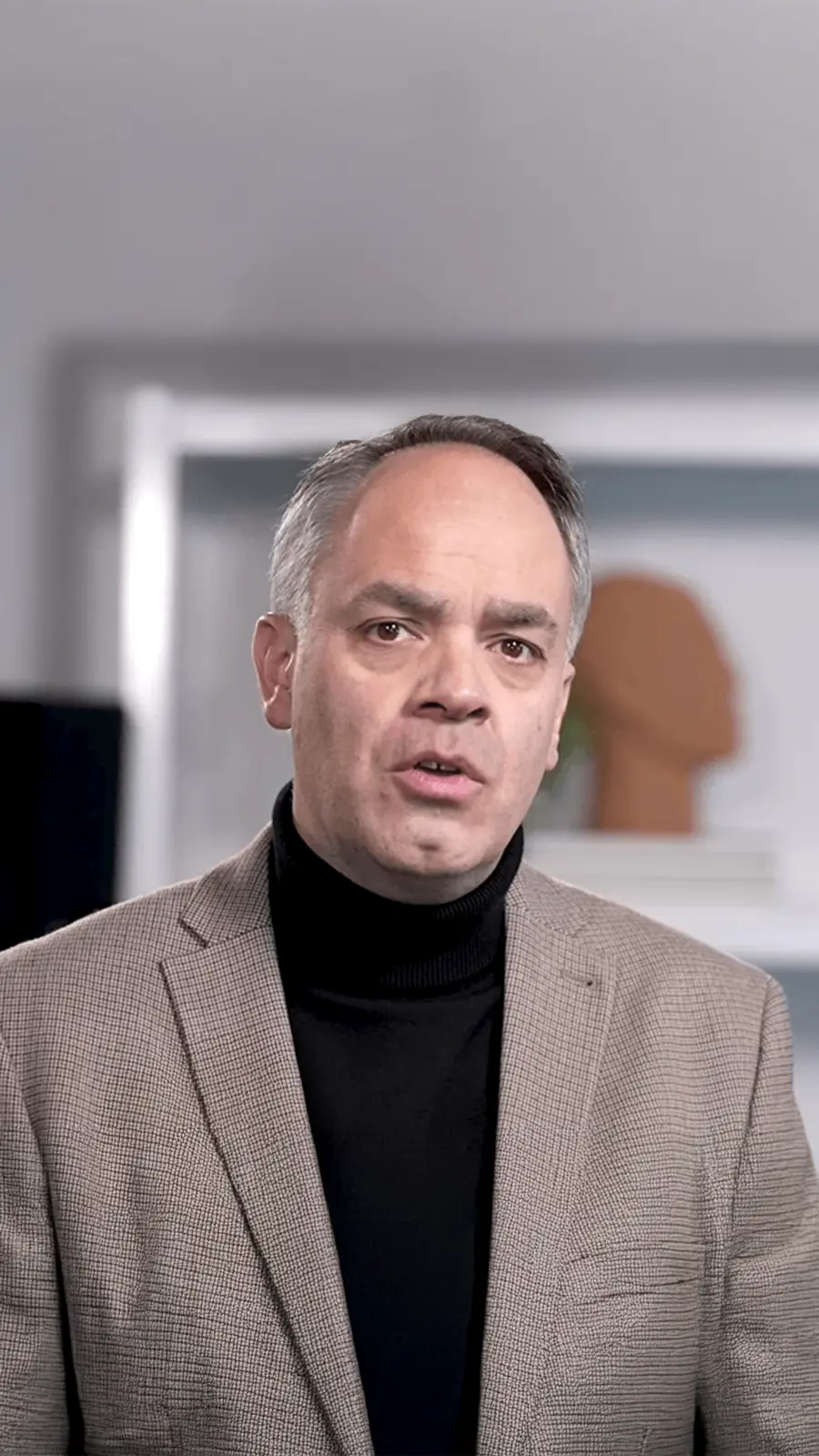
"It enables us to make podcasts of peer-reviewed medical papers that nobody, until now, was going to read."
Kris Vanhaecht
Professor of Medicine, KU Leuven
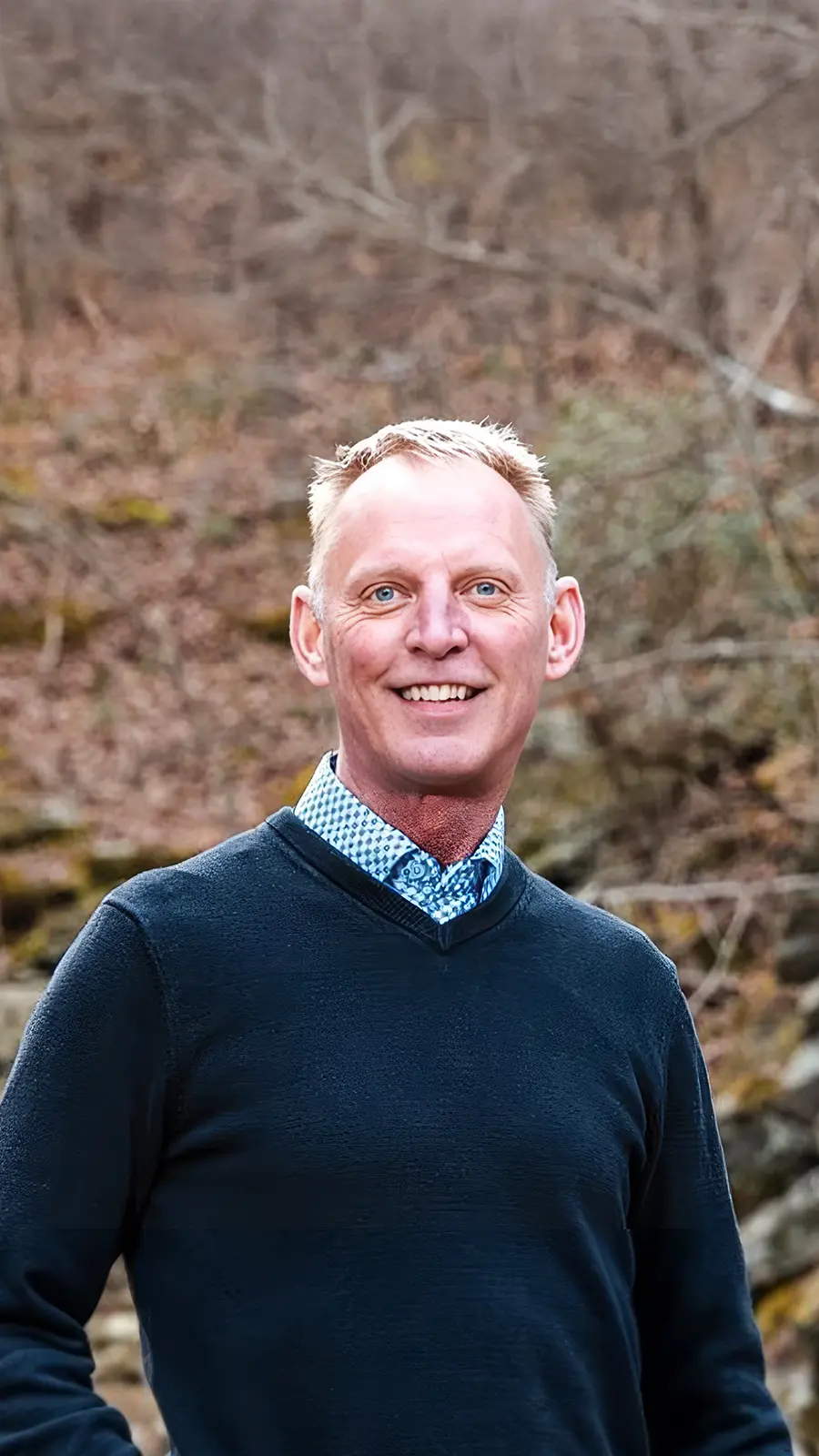
"Podcasting has been around for a number of years, but its never been so easily available."
Chris Montesinos
Economic Director, Chattahoochee Hills, Georgia
Slides → Podcast FAQs