- 60K
- Global Creators
Source: Jellypod platform data, May 2026
- 100K+
- Generated Podcasts
Source: Jellypod platform data, May 2026
- 29
- Supported Languages
Source: Jellypod product spec, May 2026
- 7 min
- Avg. Time to First Episode
Source: Jellypod onboarding analytics, May 2026
How It Works
For advanced users who need a more powerful editing interface, our timeline editor enables you to tweak your episodes and add background music with the same ease as a full-featured editor. Open the editor to see each speaker's audio blocks, then drag and drop intro or background music, add speaker pauses, or even sound effects directly onto the timeline. It's a powerful, yet familiar, editing experience that gives you the control you need to create the perfect podcast.
Learn more in our docs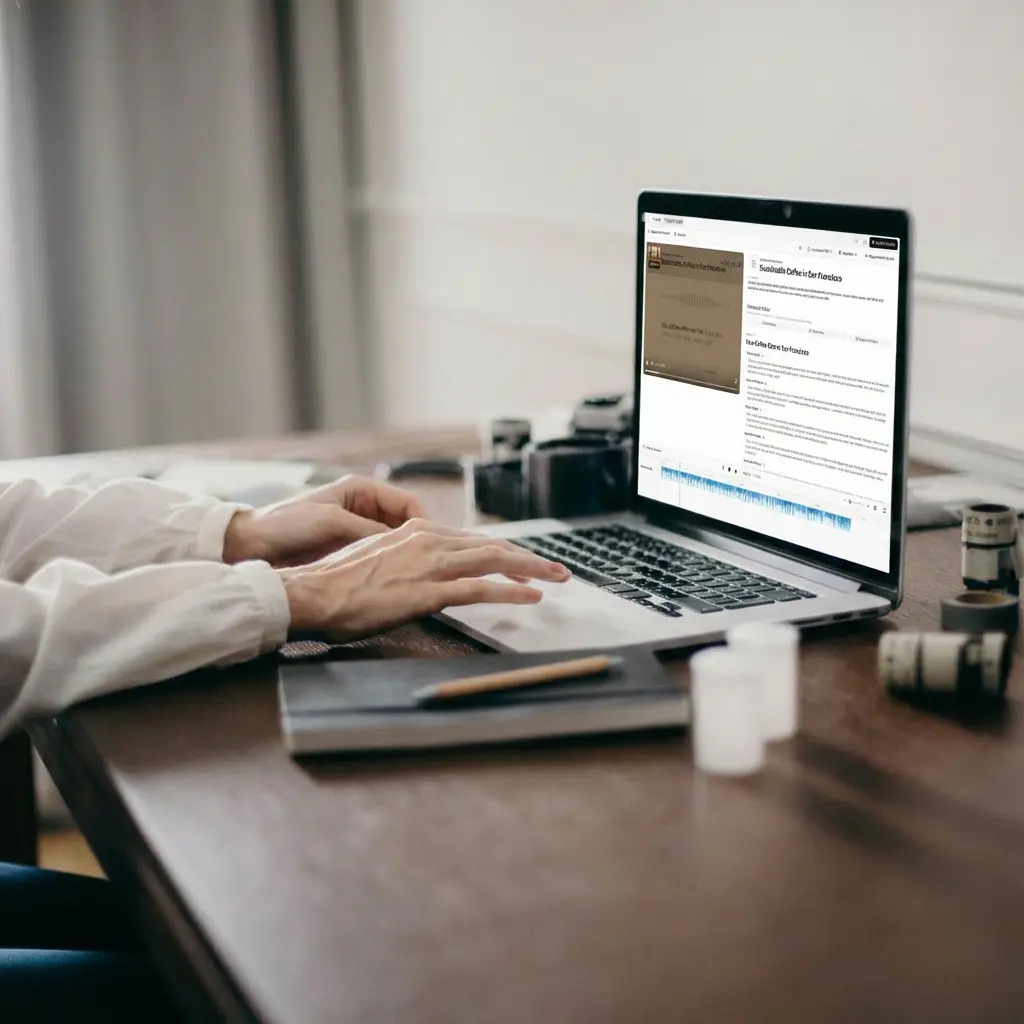
Simple, powerful, effective.
An all-in-one podcasting platform that shrinks the creation process from days to minutes.
Visual Timeline Editor
See your story. Drag, drop, trim, and layer audio clips on a multi-track timeline designed for intuitive, fast-paced editing.
Fade In & Out
Add professional polish with fade in and out controls. Layer sound effects and background music with ease.
Speaker Pauses
Add large speaker pauses to your episodes to create dramatic effect or a break in the conversation.
Music Library
Access a curated library of royalty-free background music and sound effects, safe for use on all platforms.
Built for every team.
We've helped thousands of businesses reach new audiences, transforming their existing content into fully editable conversations with full creative control.
Brand Storytelling
Create immersive podcasts that represent your brand's personality and voice.
Business Marketing
Add high-energy intros and transitions to your marketing updates to keep the pacing tight and professional.
Educational Content
Layer soothing background tracks over educational material to improve focus and student engagement.
Learning & Development
Insert real-world recordings or audio clips to bring scenarios and examples to life.
Customer Stories
Trusted by industry leaders

"It's not about replacing lectures. It's about reinforcing the arc of learning in the moments students actually have."
Steve DeNunzio
MBA Professor, The Ohio State University

"It makes creating easier and gives me back more time. It's just brilliant."
Llew Jury
SEO Pioneer, VC, and Entrepreneur

"You just dump in your information and structure your podcast. It was the easiest thing I've ever done."
Dr. Louise Lambert
Associate Professor, Psychologist

"The money is in producing fast, inexpensive content that can be transcribed and placed within blog posts to enhance findability and SEO."
Lance Baird
Marketing, Kaishan USA

"[My podcast] was downloaded so many times… people were hungry for information from a real psychiatrist."
Dr. Muhamad Aly Rifai
Physician, CEO of Blue Mountain Psychiatry

"Jellypod gave us the creative control we needed and the authenticity our artists deserved."
Steve Bradshaw
Executive Director, Covation Center
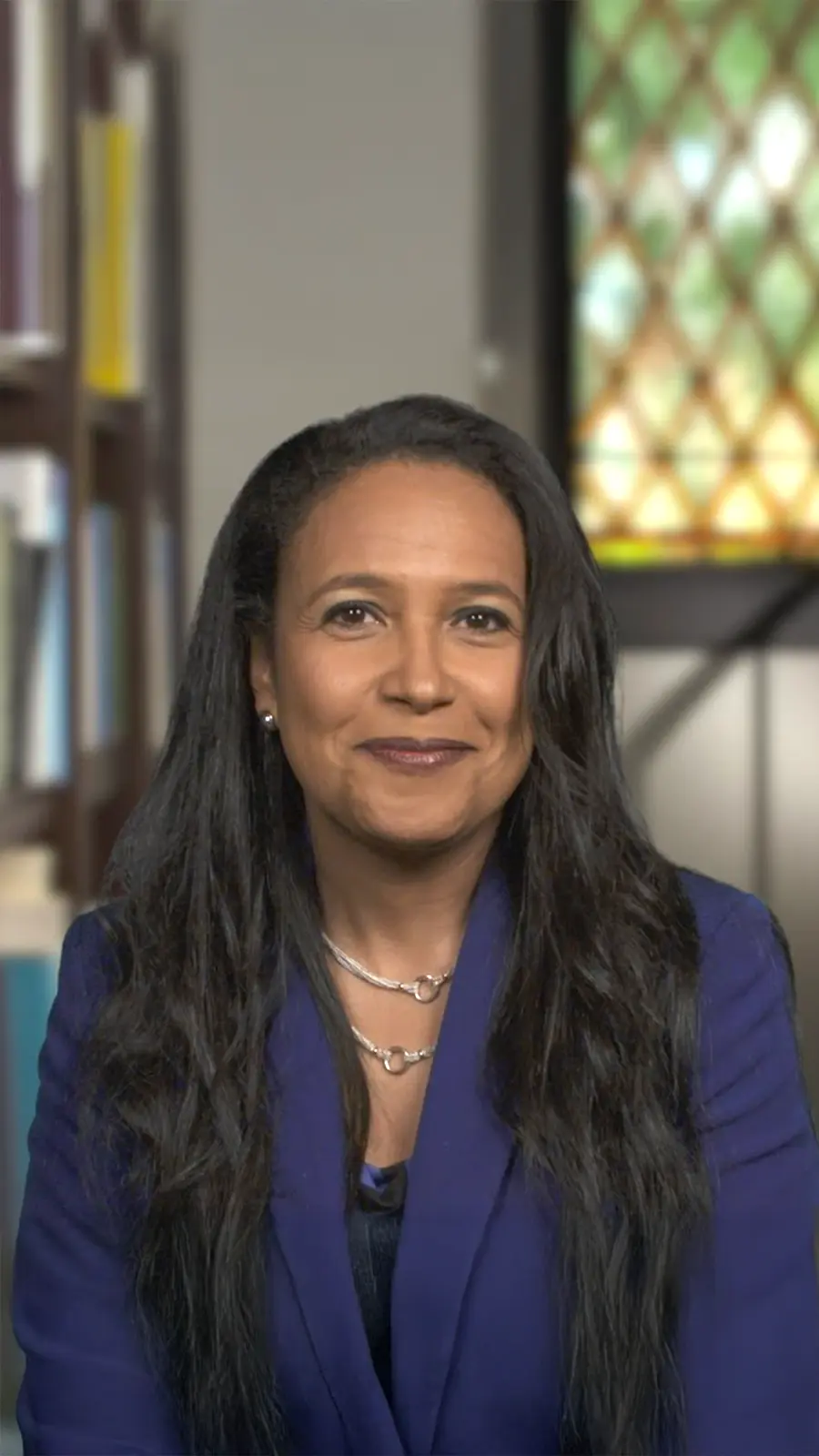
"It's a digital version of myself and a way to amplify [my voice] without having to hire another employee."
Boi Carpenter
VP Alumni Relations, Johns Hopkins University

"Jellypod is the complete package to create a podcast for yourself or your company."
Kegan Rivers
SVP of Marketing, 3 Rivers Energy Partners
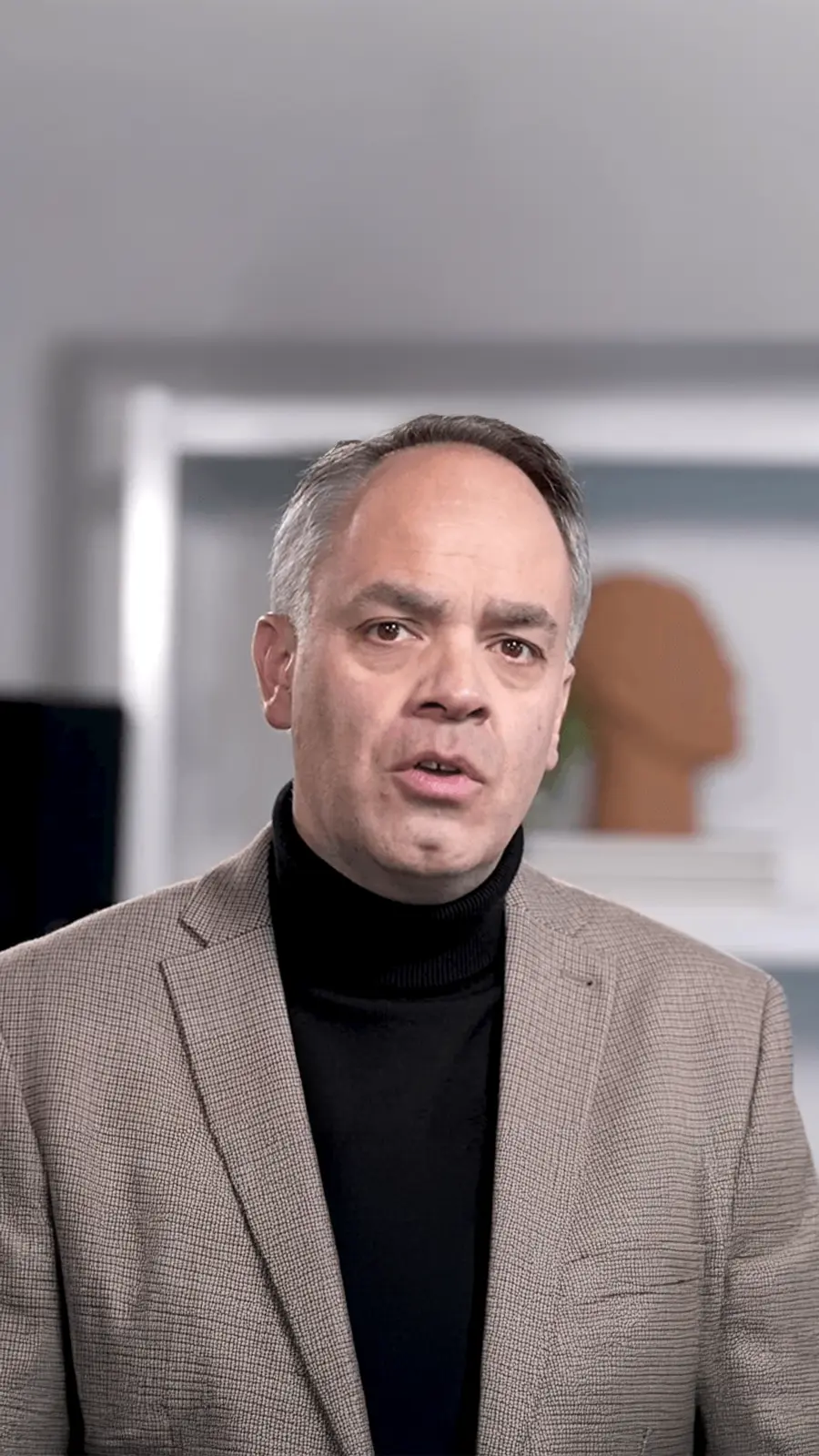
"It enables us to make podcasts of peer-reviewed medical papers that nobody, until now, was going to read."
Kris Vanhaecht
Professor of Medicine, KU Leuven

"Podcasting has been around for a number of years, but its never been so easily available."
Chris Montesinos
Economic Director, Chattahoochee Hills, Georgia
Frequently asked questions